
Orion UI Icon Pack2.5 - Google Play
You'll be able to see results in few seconds.
Publisher Description
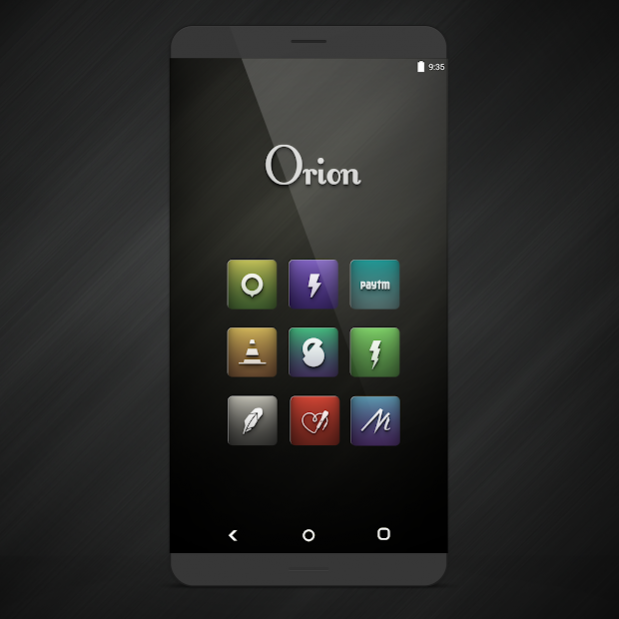
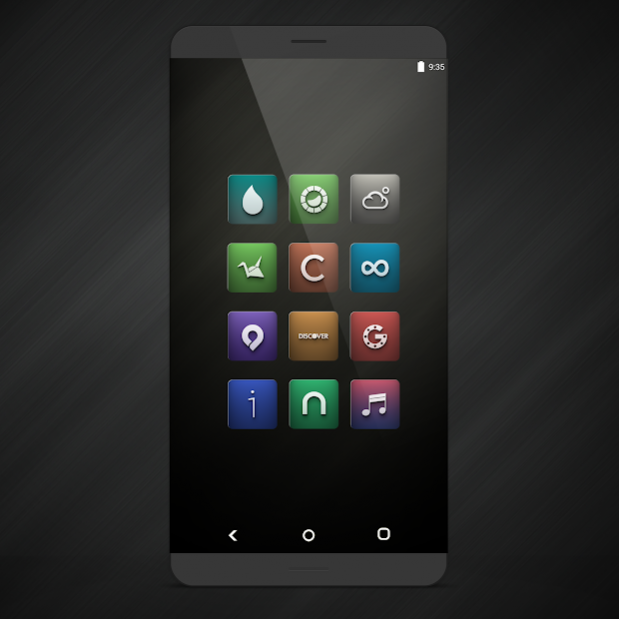
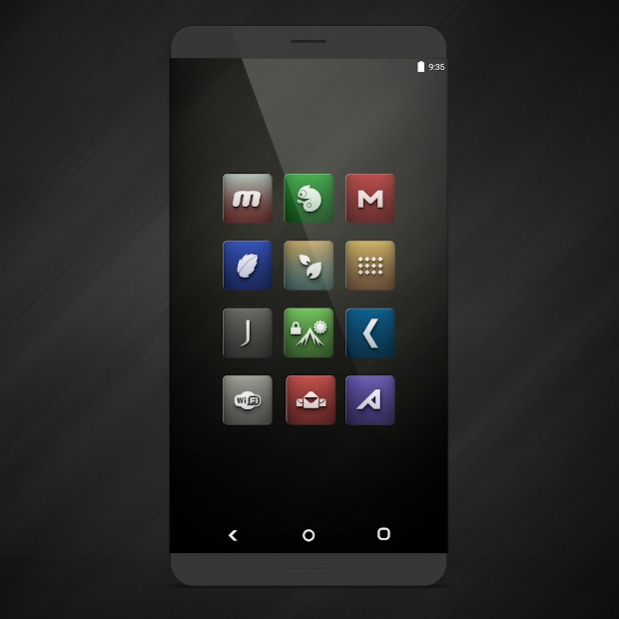
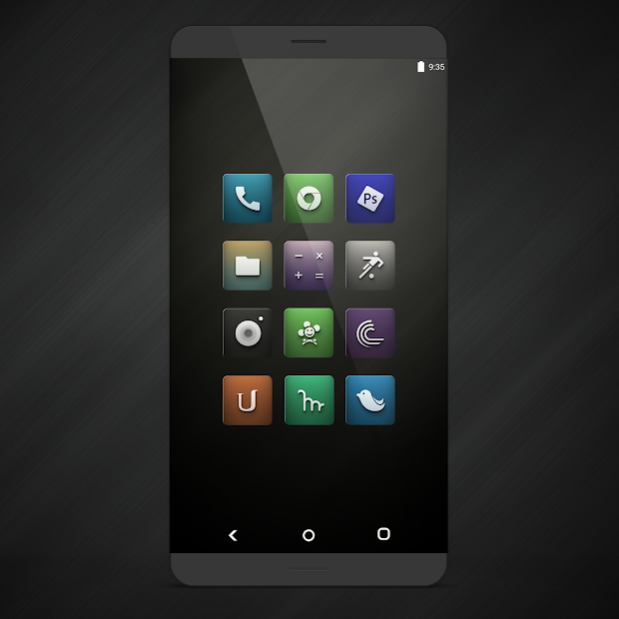
Incredible Metallic colored Icons made with extensive level of details.Every Icon of Orion UI is designed with perfection and clear graphics.
Specifications:
- High Definition(192 x192 px) icons which supports display up to xxxhdpi.
- Over
3000
Icons and growing.
- You can request an icon from the icon theme app itself.
- Cloud Based Wallpaper Picker.
- Multiple Icons alternative.
- Icon Masking will theme your unthemed Icons.
- Dynamic Calendar Support.
Supported Launchers:
• Action Launcher
• ADW Launcher
• Apex Launcher
• Atom Launcher
• Aviate Launcher
• dodol Launcher
• Epic Launcher
• GO Launcher EX
• Holo Launcher
• Holo Launcher HD
• Inspire Launcher
• Kcin Launcher
• KK Launcher
• L Launcher
• LG Home
• Lucid Launcher
• Mini Launcher
• Nemus Launcher
• Next Launcher
• Nine Launcher
• Nova Launcher
• S Launcher
• Smart Launcher
• Solo Launcher
• Themer
• CM Theme Engine
• Launchy Widget
• Trebuchet
• Unicon
Installation:
1. Download a custom launcher from above.
2. Open the Orion UI app and hit the floating action button on the bottom right.
3. Select your dedicated launcher and you are good to go!
4. You can also apply icons from launcher settings, if there is no apply button inside the app.
If you have any problem or suggestions please email me at frostbit247@gmail.com.
Thank you for downloading the Icon Pack.
About Orion UI Icon Pack
The company that develops Orion UI Icon Pack is Frostbit development team. The latest version released by its developer is 2.5.
To install Orion UI Icon Pack on your Android device, just click the green Continue To App button above to start the installation process. The app is listed on our website since 2017-01-29 and was downloaded 0 times. We have already checked if the download link is safe, however for your own protection we recommend that you scan the downloaded app with your antivirus. Your antivirus may detect the Orion UI Icon Pack as malware as malware if the download link to frostbit.orionui.app is broken.
How to install Orion UI Icon Pack on your Android device:
- Click on the Continue To App button on our website. This will redirect you to Google Play.
- Once the Orion UI Icon Pack is shown in the Google Play listing of your Android device, you can start its download and installation. Tap on the Install button located below the search bar and to the right of the app icon.
- A pop-up window with the permissions required by Orion UI Icon Pack will be shown. Click on Accept to continue the process.
- Orion UI Icon Pack will be downloaded onto your device, displaying a progress. Once the download completes, the installation will start and you'll get a notification after the installation is finished.
Program Details
System requirements
Download information
Pricing
Version History
version 2.5
posted on 2017-01-29
Added 50 new Icons.
version 2.0
posted on 2016-09-06
Mega Update,-Added 300+ new Icons.
Disclaimer
Official Google Play Link
We do not host Orion UI Icon Pack on our servers. We did not scan it for viruses, adware, spyware or other type of malware. This app is hosted by Google and passed their terms and conditions to be listed there. We recommend caution when installing it.
The Google Play link for Orion UI Icon Pack is provided to you by apps112.com without any warranties, representations or guarantees of any kind, so access it at your own risk.
If you have questions regarding this particular app contact the publisher directly. For questions about the functionalities of apps112.com contact us.
